Home / Features / Live Classes
Live classes that record themselves
Trainers start the class from the batch page. Students join from their own login or the app, attendance is marked automatically, and the recording appears in the batch's video library when the class ends.
No links to share, no recordings to upload
Students are told the class has started
A notification goes out when the trainer starts the class, including on WhatsApp if you switch it on.
They join from their login
A quick system check before joining catches camera and microphone problems early. Students on the Android app join in one tap.
Attendance marks itself
Attendance comes from who was actually in the class. Absent students, and their parents if you choose, can get a WhatsApp message.
The recording appears
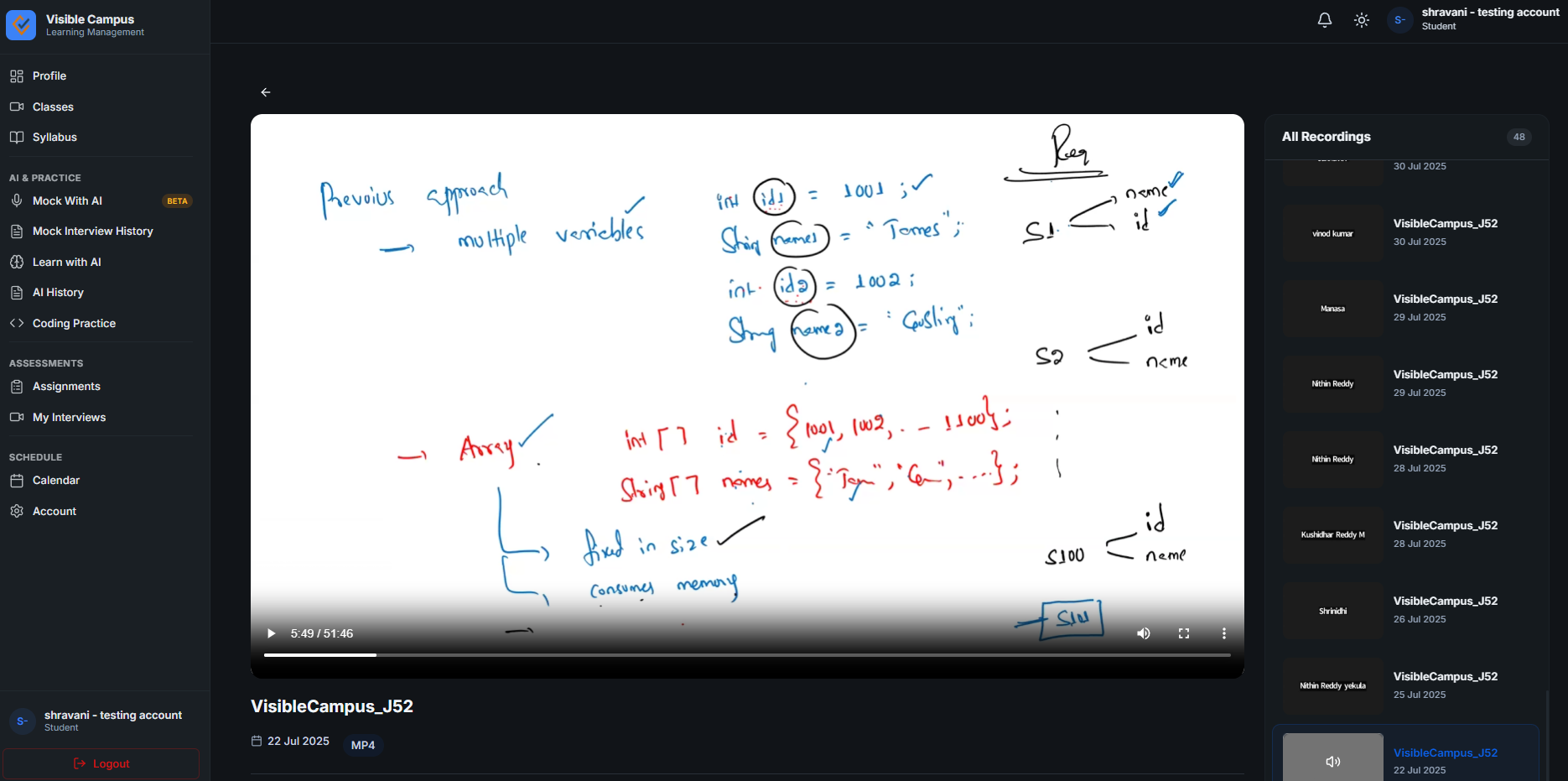
When the class ends, the recording is added to the batch's video library, where only students of that batch can watch it.
Built around your batches
One-click start
Trainers launch the class from the batch page on Zoom or Zoho Meeting, with today's topic attached.
Recordings library
Every recording lands in the right batch automatically, shows how often it has been viewed, and picks up where each student left off.
Attendance
Automatic attendance from the live class, a minimum-attendance rule, and WhatsApp alerts for absentees and guardians.
Webinars
Public webinars with a registration page, reminders before the start and a feedback message after.
On the student app
Class alerts, one-tap join and recordings on Android phones, under your institute's name.
Sized to your plan
Up to 100 participants per class on Standard and Growth, 300 on Institute, with more classes at the same time as add-ons.
Live class questions
Most institutes connect their own Zoom account once. Automatic recordings use Zoom's cloud recording, which comes with Zoom's paid plans. Zoho Meeting is also supported. If you don't have a Zoom licence, ask us about the options.
Recordings are listed only for students enrolled in that batch, inside their own login, and all data is transferred over HTTPS.
Standard, Growth and Institute. They differ in class size and how many classes can run at the same time. See pricing.
No. Students join Zoom classes from inside their LMS Campus login in the browser, or from the Android app.
Run your next batch on LMS Campus
Start a 14-day free trial, or book a demo and we'll connect Zoom and set up your first batch with you.
No credit card required • +91 70750 23250